Notice: the previous website may be found at https://archive.esteemsoft.com.my. Some of the information are still being migrated from archive.esteemsoft.com.my.
ESTEEM INNOVATION (ASIA) SDN BHD
Company No.: 201201001279 (974803-A)
SST ID: B16-1809-32001131
Integrated modeling, design, analysis, detailing and costing solution for your reinforced concrete and steel structures
Input your structural model with a simple GUI, then run your project with a few clicks and out comes the following:
For buildings up to 6 floor plans (5 storeys)
Reinforced concrete structures
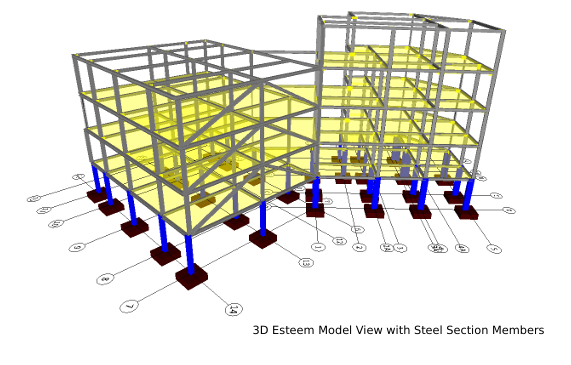
Steel member structures.
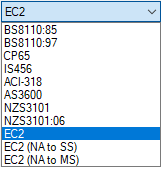
BS, CP and EC2 Code of Practices
Seismic, Stage Construction, P-Delta Analysis
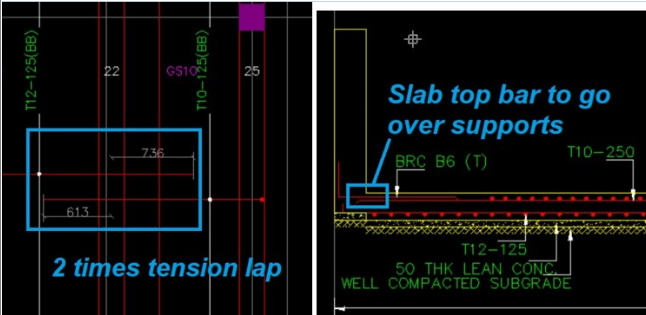
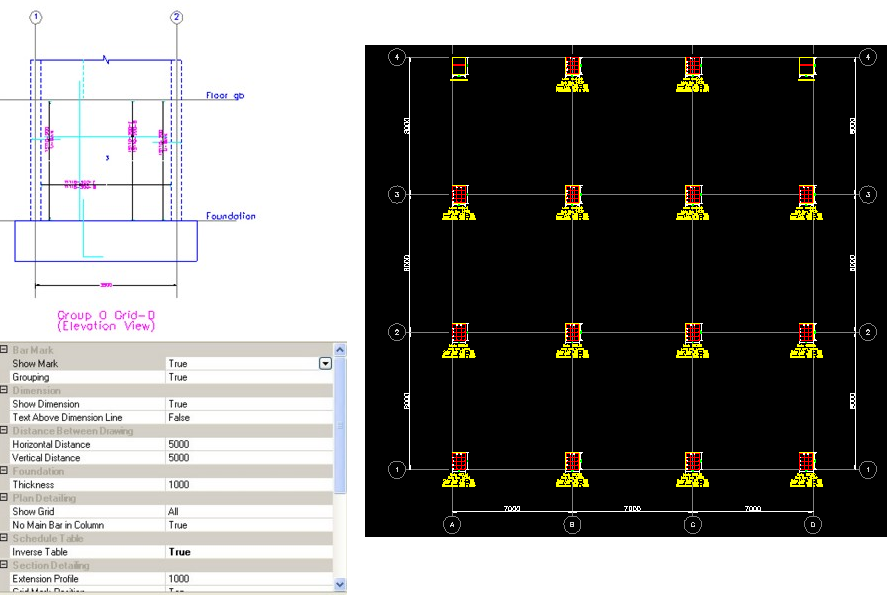
Design and Detailing
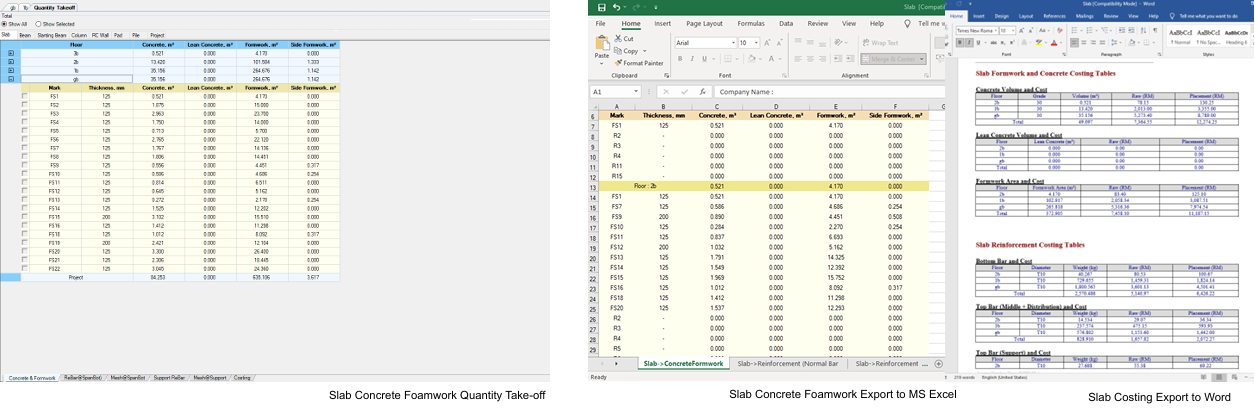
Quantity Take-off
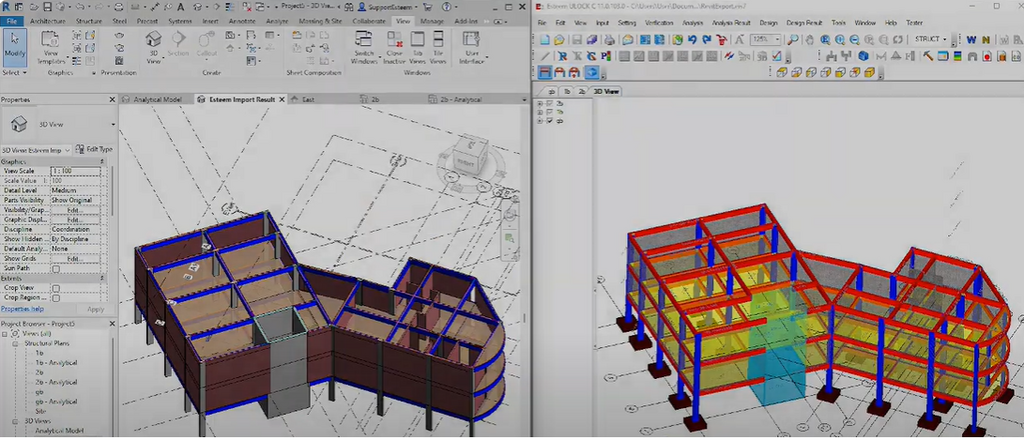
Esteem-Revit Import and Export Integration
IFC2x3 Export
Compatible to install on Windows 10, Windows 11 64 bit OS
8 x 5 Support (Mon - Fri, 8:30 am - 5:30 pm UTC+8)
Email, Whatsapp Support
Remote Support
Esteem 11 (P21) Integrated Total Solution
For buildings up to 21
floor plans
(20 storeys)
Reinforced concrete structures
Steel member structures.
BS, CP and EC2 Code of Practices
Seismic, Stage Construction, P-Delta Analysis
Design and Detailing
Quantity Take-off
Esteem-Revit Import and Export Integration
IFC2x3 Export
Compatible to install on Windows 10, Windows 11 64 bit OS
8 x 5 Support (Mon - Fri, 8:30 am - 5:30 pm UTC+8)
Email, Whatsapp Support
Remote Support
For buildings up to 50 floor plans
(49 storeys)
Reinforced concrete structures
Steel member structures.
BS, CP and EC2 Code of Practices
Seismic, Stage Construction, P-Delta Analysis
Design and Detailing
Quantity Take-off
Esteem-Revit Import and Export Integration
IFC2x3 Export
Compatible to install on Windows 10, Windows 11 64 bit OS
8 x 5 Support (Mon - Fri, 8:30 am - 5:30 pm UTC+8)
Email, Whatsapp Support
Remote Support
Has no limit on the number of floor plans
(Unlimited storeys)
Reinforced concrete structures
Steel member structures.
BS, CP and EC2 Code of Practices
Seismic, Stage Construction, P-Delta Analysis
Design and Detailing
Quantity Take-off
Esteem-Revit Import and Export Integration
IFC2x3 Export
Compatible to install on Windows 10, Windows 11 64 bit OS
8 x 5 Support (Mon - Fri, 8:30 am - 5:30 pm UTC+8)
Email, Whatsapp Support
Remote Support

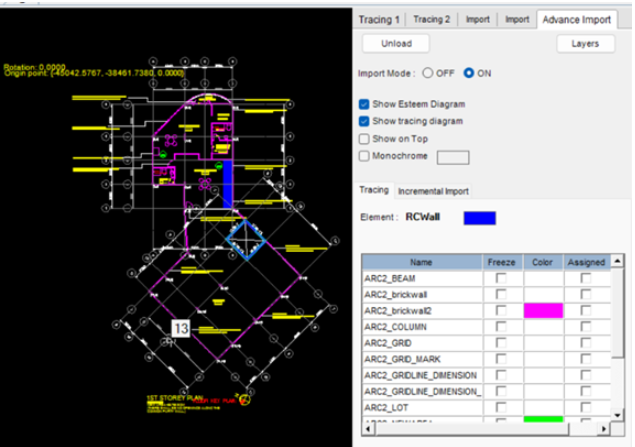
In the same screen, trace background drawing and automatically import elements from entities layer from a DWG file.
DWG supported: AutoCAD 2020-2025
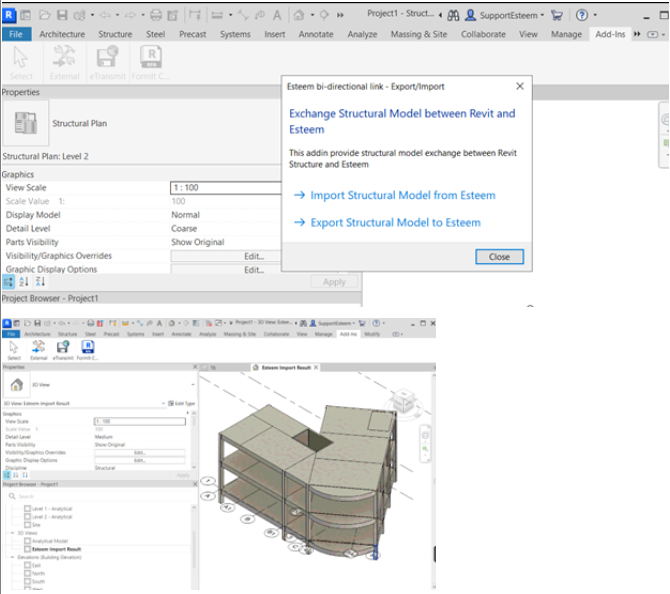
Esteem RC physical model Bi-Directional Link with Autodesk Revit 2023-2025.
Import and Export Models Between Esteem and Revit


BS8110, CP65 and EC2 code of practices.

The structural objects of slabs, beams, columns and walls are automatically meshed into Finite Elements with node-to-node and element-to-element mesh compatibility. The relations between objects are verified by built-in validation checks of structural integrity. The accuracy of the structural mesh is verified by built-in check for free nodes and disconnected objects.

The structural analysis is done using Finite Elements (FE). The FE analysis output results will self-validate the accuracy of FE mesh by comparing the loading of objects from input with corresponding reactions in output. It also auto-detect any locations of structural stability and excessive displacements.
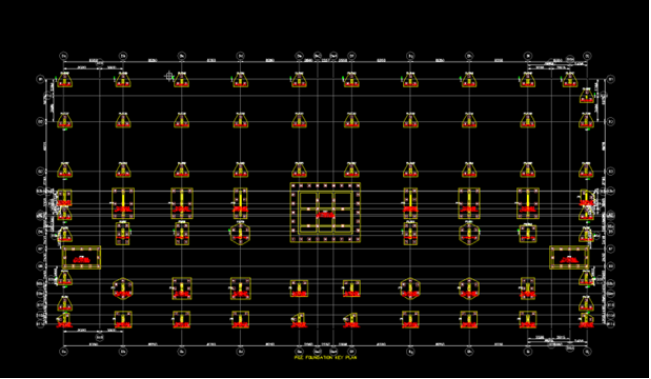
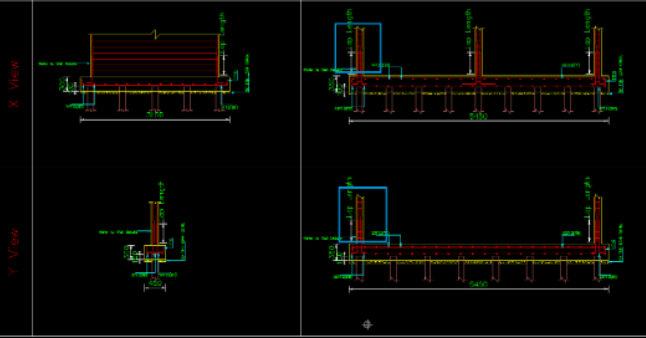
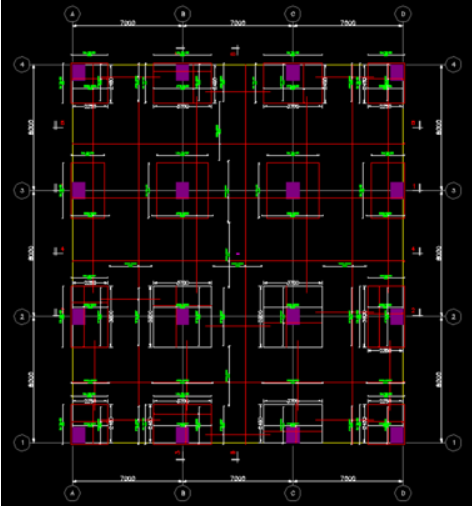
Pad, Pile, and Raft Foundations.

Yes, it is possible using customized parameters for pile through user defined load.
With that you can use the following - bore pile, micro pile, friction pile, and downgrade pile
Reinforced Concrete, Steel Member

We support Revit 2025/2024/2023 model import into Esteem and Esteem model export to Revit 2025/2024/2023.
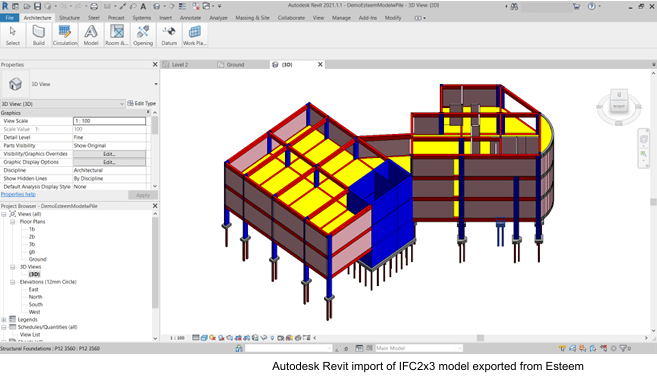
We also support Esteem model export to IFC2x3 and 3D DXF

| System Requirements for Esteem 11 | Additional Notes | |
|---|---|---|
| Operating System |
Microsoft Windows 7 SP 1 (64-bit only) Windows 8 (64-bit only) Windows 10 (64-bit only) Windows 11 (64-bit only) |
*Windows 11 (64-bit) has to be stable official release ( cannot be Windows 11 Insider Preview Build) Disclaimer: Operating System interoperability is subject to its end-of-life support cycle by Microsoft. In line with Microsoft's official lifecycle policy, support for Windows 7 ended on January 14, 2020, and for Windows 8.1 on January 10, 2023. These operating systems no longer receive critical security updates. While Esteem 11 may remain compatible, the security of your project data and the stability of the software cannot be guaranteed on an unsupported OS. For the integrity of your structural analysis and design work, Esteem Innovation strongly urges all users to upgrade to a modern, supported operating system such as Windows 10 or Windows 11. |
| Processor |
Basic:
Recommended: |
Only multi-core processing i.e. uses all the number of cores available to improve its performance is implemented for: 1) Computation engine in Esteem for the structural design stage 2) Loading the Esteem project into the software |
| Memory / RAM |
Basic:
Recommended: |
The memory size required is based on the size of the projects, large projects like 3GB in size will have better performance when there is at least 32 GB memory. |
| Graphics / Display card |
Basic:
Recommended: |
Graphics cards may include integrated graphics card, however, for smoother experience in viewing large models, it is recommended to get a dedicated graphics card. |
| Disk Space |
Basic:
Recommended: |
|
| .Net Framework | .NET Framework Version 4.7 or later | |
You may refer to the links below👇
1-Year Cloud Subscription: https://www.esteemsoft.com/pricing/1-year-subscription-price/
3-Year Cloud Subscription: https://www.esteemsoft.com/pricing/3-year-subscription-price/
For users with existing perpetual license, we offer standalone/network dongle perpetual license option please contact us at sales@esteemsoft.com.my for a quotation.
Standalone Dongle/Network Perpetual license(s) is only offered for Esteem Integrated Total Solution Software Packages relating to Esteem 11(P21), Esteem 11(P50), and Esteem 11(PU).
For users with older software version license and want to trade in/ upgrade to the latest version(s) for Esteem Integrated Total Solution Software, please contact us at sales@esteemsoft.com.my for more information.
Important Note:
Esteem 8 software upgrade has been discontinued since 30 June 2024 (KL Time).
Yes, we offer 15 days free trial for you to determine if the software will fit your needs, please contact us at sales@esteemsoft.com.my.
To enjoy the features and functions of Esteem beyond the 15-day trial period, you need to acquire the license by contacting sales@esteemsoft.com.my. No need to uninstall and reinstall the software.
A standalone dongle/ cloud license
Allows Esteem to be use on one computer at a time. You are allowed to install Esteem software on up to 3 computers at a time. If you wish to use Esteem software on the 4th computer, you need to uninstall and deactivate the license on one of the selected 3 computers and then install and activate it on the new computer. This ensures the license remains compliant with its terms while providing flexibility for users who need to switch devices.
A network dongle license
Allows Esteem to be use on one computer at a time. You are allowed to install Esteem software on up to 10 computers at a time. If you wish to use Esteem software on the 11th computer, you need to uninstall and deactivate the license on one of the selected 10 computers and then install and activate it on the new computer. This ensures the license remains compliant with its terms while providing flexibility for users who need to switch devices.
You can viewed it in your account at Esteem Download Center (as per red higlighted👇) under group Esteem
Note: Confidential information has been grayed out
Access to Esteem Download Center is only valid during your license software maintenance period. If your license has expired, please email us at support7@esteemsoft.com.my to get the list of your computers that currently have Esteem 11 actively installed.
In that communication thread, please share the following👇
1. Your name
2. Company Name
3. Esteem License No.
4. Brief Description of your Esteem issue/challenge